Top updates from 2026
October 2026
- Featurehelp.figma.com
Attach files to a prompt in the Figma agent and Figma Make
Figma introduced the ability to attach files—including Figma designs, images, PDFs, spreadsheets, and code—to prompts in the Figma agent and Figma Make. The feature is available across all plans, with…
- help.figma.com
Work with the Figma agent in design files
Figma rolled out an AI agent in Figma Design that lets users collaborate with AI to generate, remix, and automate design tasks directly in files. Features include multi-prompt parallel execution, libr…
- figma.com
3 ways product designers use the Figma agent for craft, speed, and creative expression
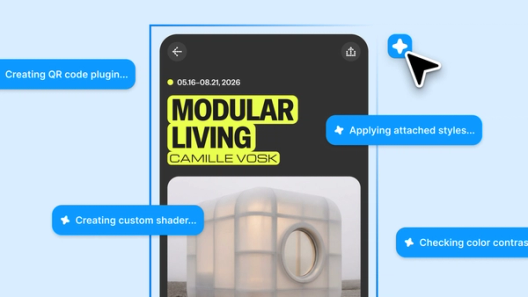
Figma’s design agent is now generally available with custom tools, greater context, and improved output quality, winning ~60%+ of human-graded evaluations. New capabilities include skills for automati…
- Featurefigma.com
How to lighten design system upkeep with the Figma agent
Figma introduced an AI agent that automates design system maintenance tasks such as documentation, component auditing, token adherence, and naming standardization directly within the Figma canvas. The…
- figma.com
Workflow lab: Staying in the flow with Figma’s agent
Figma unveiled new agent capabilities in Figma Design that automate library repairs, compliance checks, and design system spec drafting. The agent handles repetitive tasks like updating deprecated com…
- Integrationdevelopers.figma.com
Connect to your GitHub repositories
Figma introduced a GitHub integration for its Code Connect UI, enabling direct access to GitHub repositories to streamline component mapping in Figma files. Users can connect repositories to library f…
- Contentfigma.com
Sizzle reel 101: What it is and how to build one people remember
Figma published a guide on sizzle reels, positioning Figma Weave as an AI-native platform to generate and edit visuals for fast-paced promotional videos. The post highlights how Weave’s tools (crop, r…

- figma.com
8 of the best AI design assistant tools to try
Figma introduced an AI design agent within Figma Design that enables on-canvas edits, persistent chat, and real-time collaboration while adhering to existing design systems. The agent supports @-menti…

- Contentfigma.com
10 of the best AI video generators that give you more creative control
Figma published a guide ranking 10 AI video generators that emphasize creative control, positioning them as tools for designers. The post promotes Figma Weave and cites Figma’s State of the Designer 2…

- figma.com
How to make a cinemagraph smooth enough to hold attention
Figma published a guide on creating cinemagraphs, emphasizing smooth loops and AI-assisted tools like Figma Weave to automate motion generation and masking. The post positions cinemagraphs as a key mo…

- Featurefigma.com
Branching in Figma
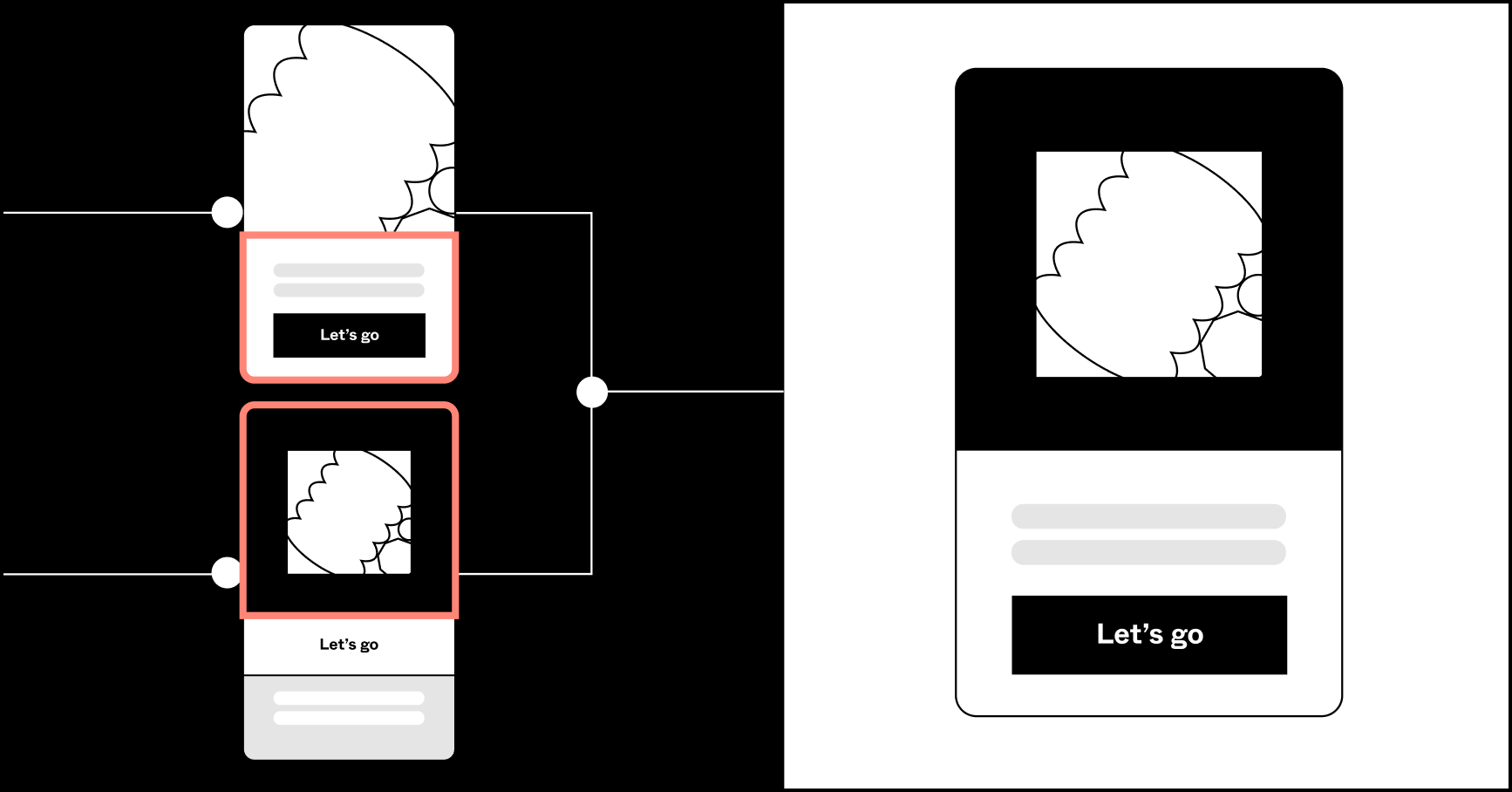
Figma launched a branching feature that lets designers create isolated exploratory spaces to test ideas without altering main design files. Changes are merged only when ready, supporting workflows lik…
- Contentfigma.com
Creating and organizing Variants
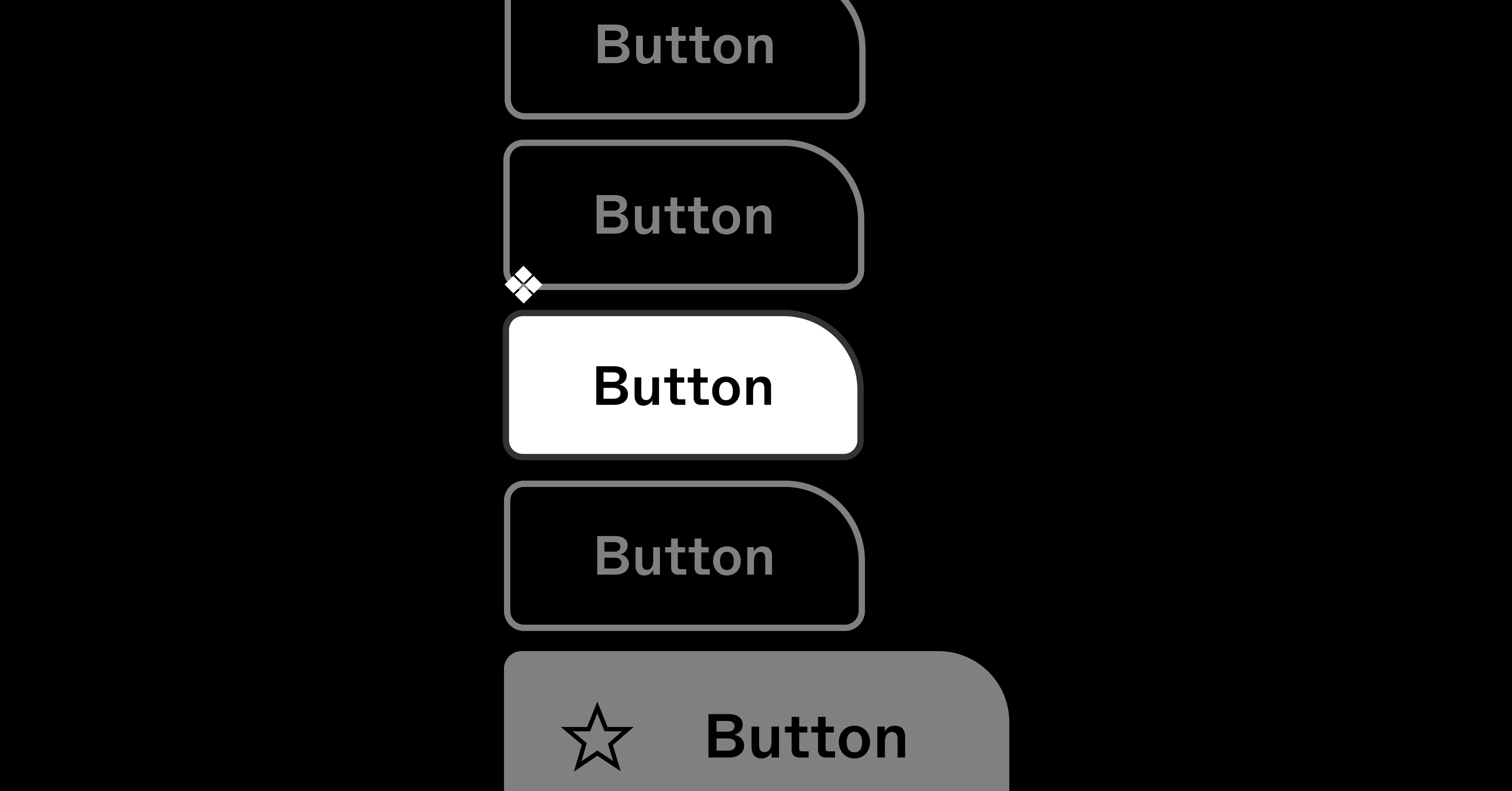
Figma published a best-practices guide explaining how Variants simplify component management by reducing clutter in the asset panel, preserving overrides, and easing instance adjustments. The guide ad…
- Featurefigma.com
Tips for a better developer workflow
Figma introduced two developer-focused updates: view-only users can now navigate to main components from instances, and component descriptions now appear in the code panel. These changes aim to improv…

- Featurefigma.com
Five ways to make the most of your Design System Analytics
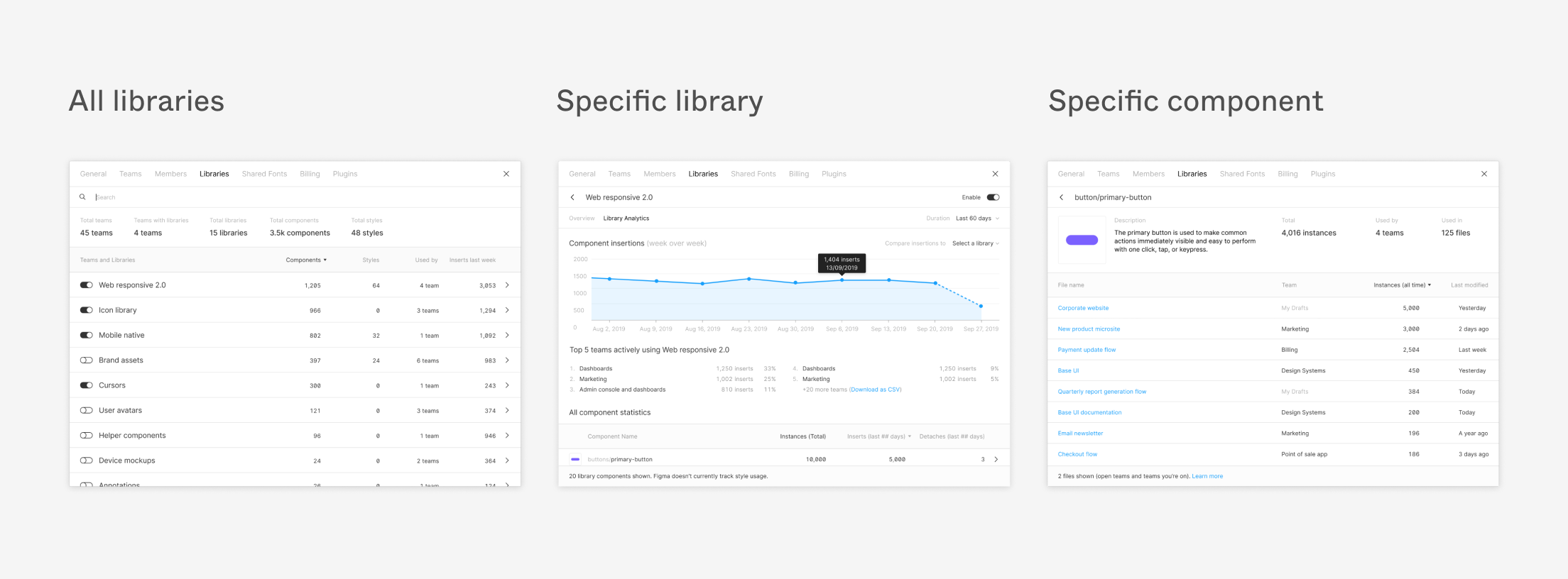
Figma launched Design System Analytics to help teams track how shared libraries, components, and styles are used across organizations. The tool provides metrics like total teams using a library, compo…
- Integrationfigma.com
Build better products, together
Figma unveiled a broader ecosystem of plugins, widgets, and integrations to streamline workflows and connect Figma with other tools. New additions include an MCP server for agentic coding tools and a …

- Featurefigma.com
Introducing Weave
Figma unveiled Weave, a new node-based canvas designed to help users build creative AI workflows. The tool emphasizes workflow control, experimentation, and reusable systems, extending beyond one-shot…
- Contentfigma.com
Designer to Builder Series
Figma introduced the Designer to Builder Series, a three-part hands-on program teaching designers how to convert Figma components into reviewable code using AI. Sessions cover environment setup, AI-as…

- figma.com
Putting Code Connect to the Test:
Figma hosted a webinar demonstrating Coinbase’s internal test of Code Connect, its MCP server that provides AI coding agents with real-time design system context. The test showed reduced costs when ge…
- figma.com
How Adyen Is Rebuilding the Way Design Works — with AI at the Centre
Adyen rebuilt its design process around AI, reducing solution exploration time by 10–20x and design-to-code delivery by 90% by integrating Figma into a new workflow. The effort included AI-empowered s…

- Featurefigma.com
Workflow lab: From design system to campaign in Figma Weave
Figma introduced a new workflow in Figma Weave that enables teams to repurpose elements from a design system into on-brand marketing assets like posters, billboards, and social media posts. The workfl…
Top 20 shown. Click a month above for the full archive of Figma.
Track Figma on autopilot
- · Weekly AI brief: narrative summary of what shipped, every Monday 9 AM
- · Email or Slack alerts, or chat with the archive in your dashboard
- · Add Figma + up to 2 more competitors free, no credit card